


TP-Link IES206GPP Omada 6-Port Gigabit Industrial Easy Managed Switch
IES206GPP | TP-LinkThis product has been discontinued
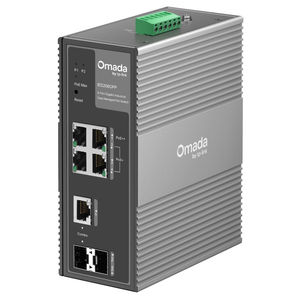 FREE SHIPPING
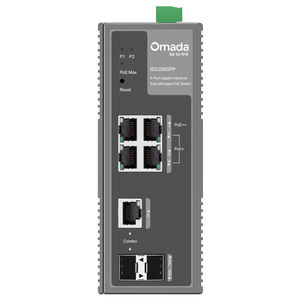 FREE SHIPPING
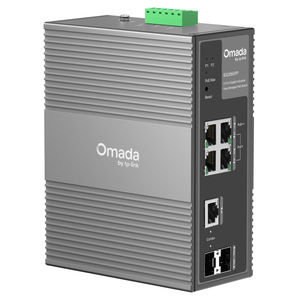 FREE SHIPPING
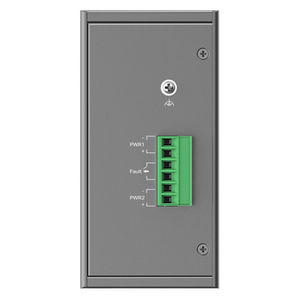 FREE SHIPPING
 FREE SHIPPING
 FREE SHIPPING
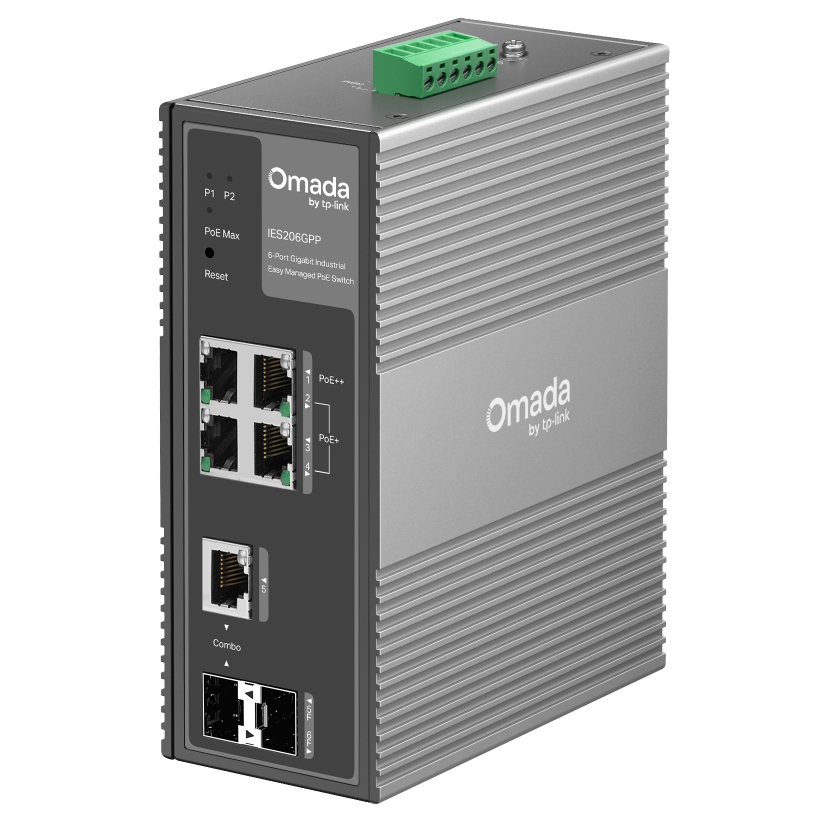
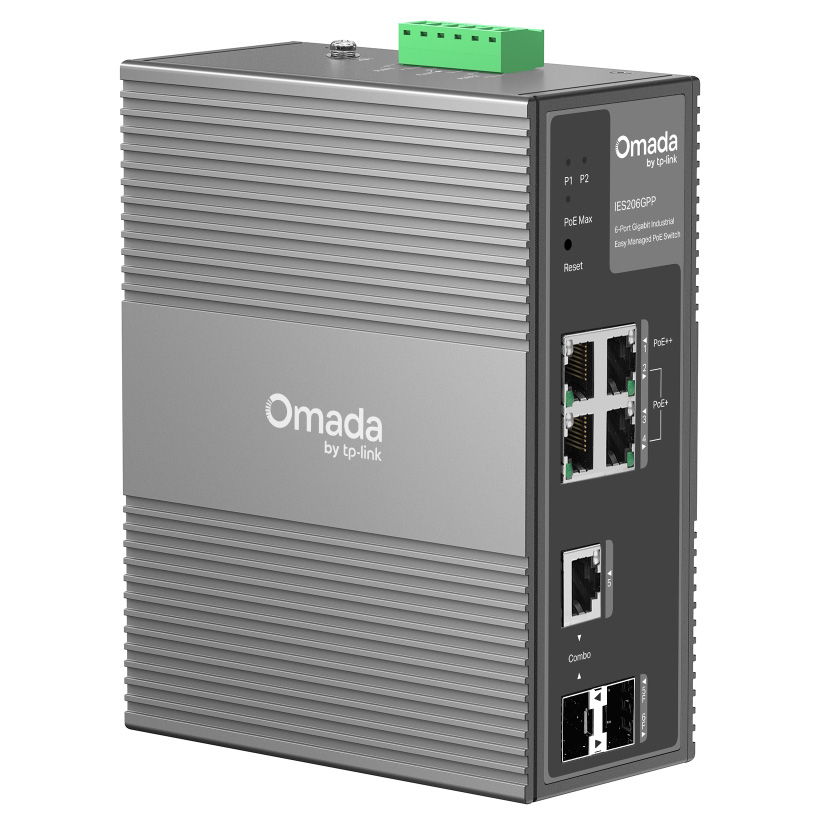
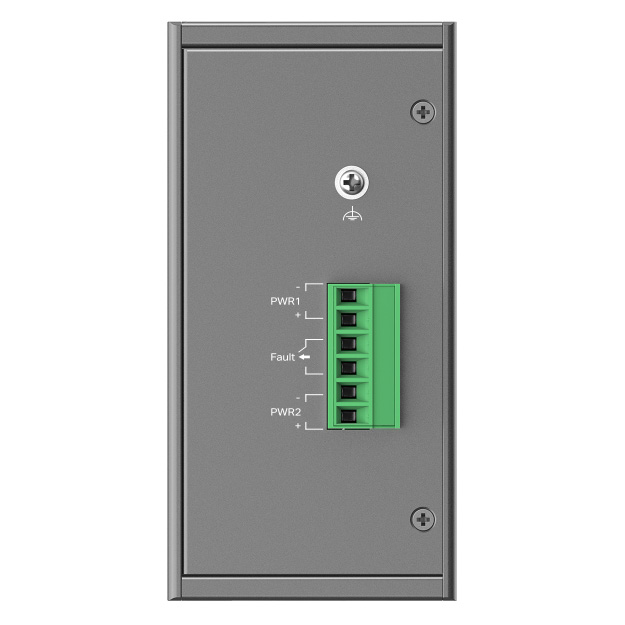
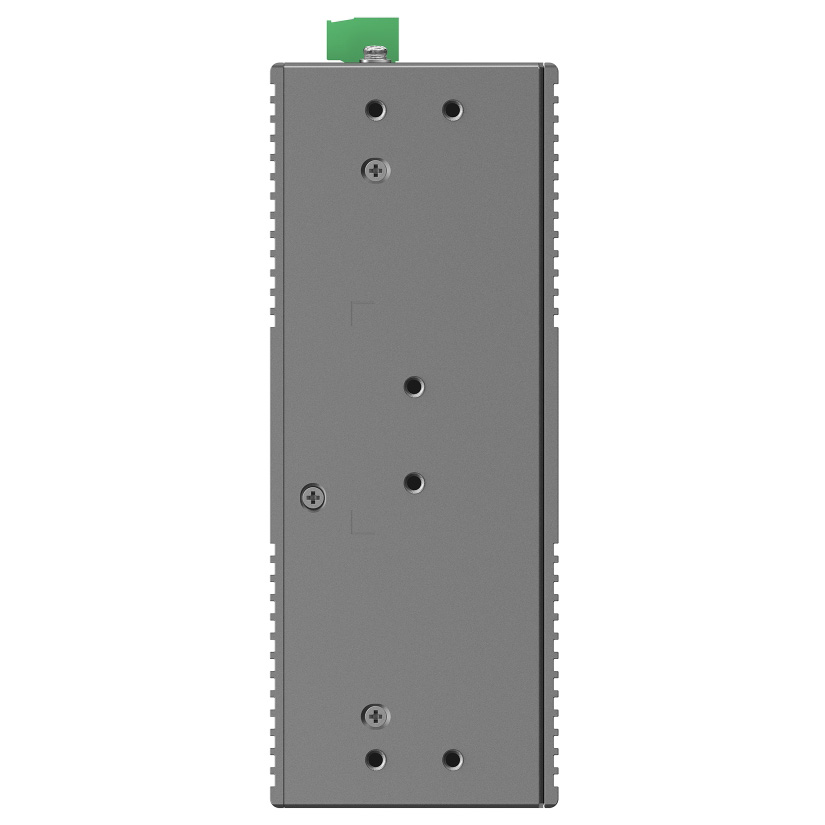
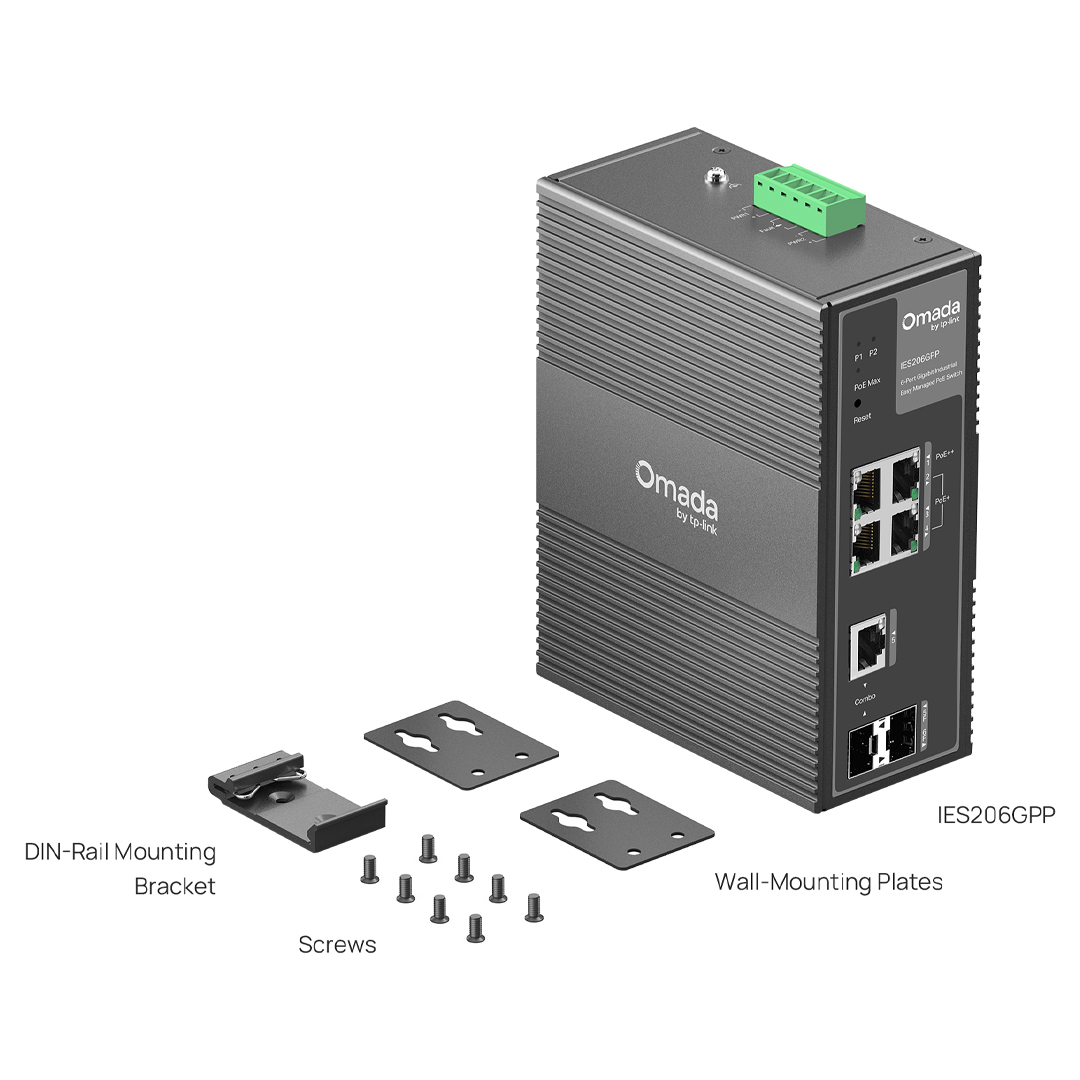
The TP-Link IES206GPP Omada 6-Port Gigabit Industrial Easy Managed Switch features 1x PoE++ port delivering up to 60 W alongside 3x PoE+ ports, plus 2 SFP slots (one combo RJ-45/SFP) under a 120 W total PoE budget, making it capable of powering high-draw devices like pan/tilt/zoom cameras. It operates over a wide temperature range of -40C to 75C, housed in an IP40 aluminium, fanless chassis with 1+1 redundant DC power input and 6 kV lightning protection for reliable performance in harsh industrial environments.
Features
IES206GPP Omada 6-Port Gigabit Industrial Easy Managed Switch with 3-Port PoE+ and 1-Port PoE++
- 4x Gigabit RJ45 Ports (1x PoE++, 3x PoE+)
- 6x Gigabit Ports (1x PoE++, 3x PoE+, 1x RJ45/SFP Combo, 1x SFP)
- 1x Gigabit Combo RJ45/SFP Slot, 1x Gigabit SFP Slot
- 120W Power Budget (PoE budget calculations are based on laboratory testing. The actual PoE power budget is not guaranteed and will vary due to power supply, client limitations, and environmental factors.) with up to 60W for PoE++ Port
- Professional Industrial-Grade Design: -40~75°C Operating Temperature, 6kV Lighting Protection, and 1+1 Redundant Power Input
- Abundant Features: Up to 820ft (250m) PoE, (When Extend Mode is enabled, the speed of ports that support 820ft (250m) PoE transmission will be downgraded to 10 Mbps. Actual transmission distance may vary depending on the quality of the cables.) VLAN, QoS, and STP/RSTP
- Centralised Cloud Management via the Web or Omada App (These functions require the use of the Omada Controller. Zero-Touch Provisioning requires the use of the Omada Cloud-Based Controller (Omada Cloud Standard or Omada Cloud Essentials).)
- Durable IP40 Aluminium Casing and DIN-rail / Wall-mount Design
- Abundant Functions for CCTV Networking
Industrial-Grade Protection Built for Harsh Environments
- -40°C to 75°C Operating Temperature
- 6kV Lightning Protection
- Industrial-Grade IP40 Aluminium Casing
Enhanced Networking Stability and Security

1+1 Redundant Power Input
Equipped with dual power input ports and a wide 12-57V DC voltage range, ensuring continuous operation even if one power supply fails.

Real-Time Fault Alarm
Connected to an external alarm, the switch outputs an alarm signal promptly if a port is disconnected or power input is abnormal.
Gigabit PoE++ Ports for Reliable High-Power Device Support
- 1x Gigabit PoE++ RJ45 Ports
- 3x Gigabit PoE+ RJ45 Ports
- Budget up to 60W per PoE++ Port
- Total 120W PoE Power (PoE budget calculations are based on laboratory testing. The actual PoE power budget is not guaranteed and will vary due to power supply, client limitations, and environmental factors.)

Easy Operation and Maintenance with Omada’s Free Cloud Management
- Easy to Use with Plug-and-Play Design and Simple Configuration
- Free and Easy Centralised Cloud Management via Omada Central Essentials
- Access Logs and Receive Alert Notifications at Any Time
- Easily Configure Surveillance Features Like 24/7 Camera Monitoring & Automatic Recovery
Flexible Deployment Options
- DIN-rail
- Wall-mount
Diverse Industry Applications
- Surveillance
- Industrial Automation
- Energy
- Smart Buildings
Build Features

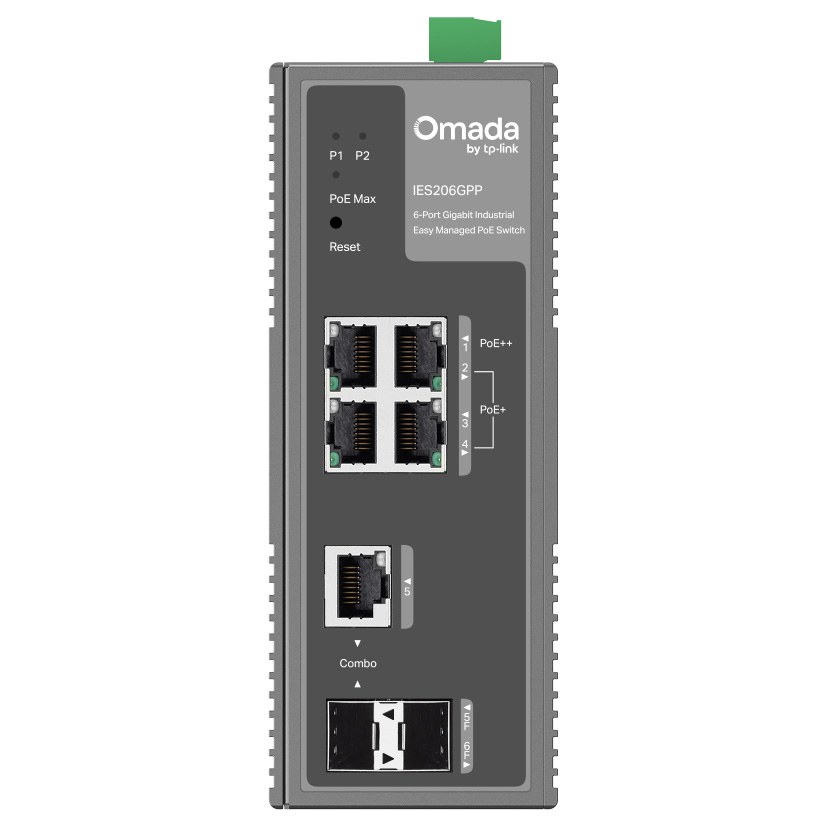
Front View
*PoE budget calculations are based on laboratory testing. The actual PoE power budget is not guaranteed and will vary due to power supply, client limitations, and environmental factors.

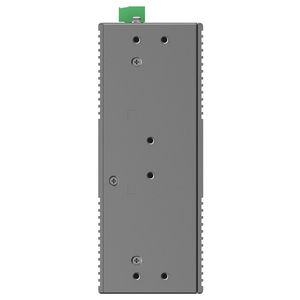
Back View

Top View

Dimensions
Specifications
General Data
| Model Number | IES206GPP |
| Warranty | 5 Years |
| Certification | FCC, CE, RoHS |
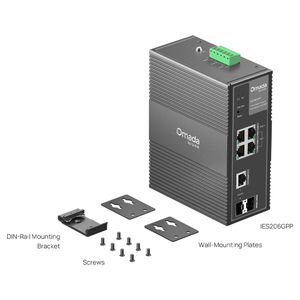
| What's Included | IES206GPP DIN-Rail Mounting Bracket Wall-Mounting Plates Installation Guide |
| Environment | Operating Temperature: -40~75 (-40~167) Storage Temperature: -40~85 (-40~185) Operating Humidity: 5%~95% non-condensing Storage Humidity: 5%~95% non-condensing |
Hardware Features
| Interface | 1x 10/100/1000 Mbps PoE++ RJ45 Ports 3x 10/100/1000 Mbps PoE+ RJ45 Ports 1x Gigabit SFP/RJ45 Combo Slot 1x Gigabit SFP Slot Auto-Negotiation/Auto MDI/MDIX |
| Fan Quantity | Fanless |
| Installation | DIN-rail mounting Wall mounting |
| Physical Security Lock | Yes |
| Power Supply | 12-57V 1+1 Redundant DC Power Input |
| PoE Ports (RJ45) | Standard: 802.3af/at/bt compliant PoE++ Ports (802.3af/at/bt PoE): 1 Port, up to 60W per port PoE+ Ports (802.3af/at PoE): 3 Ports, up to 30W per port PoE Budget: 60 W (Input: 12V / 7.0A - 21V / 3.5A)) 120 W (Input: 21V / 6.5A - 57V / 2.3A) |
| Dimensions ( W x D x H ) | 6.1 x 4.7 x 2.4 in (155 x 120 x 60 mm) |
| Surge Protection | ±6 kV in common mode for Ethernet ports ±4 kV in common mode for DC power input ports |
Performance
| Switching Capacity | 12 Gbps |
| Packet Forwarding Rate | 8.93 Mpps |
| MAC Address Table | 8K |
| Packet Buffer Memory | 4 Mbit |
| Jumbo Frame | 15 KB |
Software Features
| Quality of Service | 802.1p DSCP Priority 8 Priority Queues Priority Schedule Mode WRR (Weighted Round Robin) Queue Weight Config Bandwidth Control Port-Based Rate Limit Storm Control Multiple Control Modes (kbps/pps) Broadcast/Multicast/Unknown-Unicast Control |
| L2 Features | Link Aggregation Static Link Aggregation Up to 2 aggregation groups and up to 4 ports per group Loopback Detection Flow Control 802.3x Flow Control Mirroring Port Mirroring One-to-One Many-to-One Ingress/Egress/Both Port Statistics Port Mirror Status Traffic Statistics 802.1ab LLDP Spanning Tree STP (802.1d) RSTP (802.1w) |
| L2 Multicast | IGMP Snooping IGMP v1/v2/v3 Snooping Fast Leave |
| VLAN | MTU VLAN Port-Based VLAN 802.1Q Tag VLAN Max 32 VLAN Groups 4K VID |
| Transmission Method | Store-And-Forward |
Management Features
| Omada App | Yes. Requires the use of Omada Hardware Controller, Omada Cloud-Based Controller, or Omada Software Controller |
| Centralised Management | Omada Cloud-Based Controller Omada Hardware Controller Omada Software Controller |
| Cloud Access | Yes. Requires the use of Omada Hardware Controller, Omada Cloud-Based Controller, or Omada Software Controller |
| Zero-Touch Provisioning | Yes. Requires the use of Omada Cloud-Based Controller |
| Management Features | Web-Based GUI DHCP Client Cable Diagnostics Digital Diagnostic Monitoring (DDM) Automatic Device Discovery (These functions require the use of the Omada Controller. Zero-Touch Provisioning requires the use of the Omada Cloud-Based Controller (Omada Cloud Standard or Omada Cloud Essentials).) Batch Configuration (These functions require the use of the Omada Controller. Zero-Touch Provisioning requires the use of the Omada Cloud-Based Controller (Omada Cloud Standard or Omada Cloud Essentials).) Batch Firmware Upgrading (These functions require the use of the Omada Controller. Zero-Touch Provisioning requires the use of the Omada Cloud-Based Controller (Omada Cloud Standard or Omada Cloud Essentials).) Unified Configuration (These functions require the use of the Omada Controller. Zero-Touch Provisioning requires the use of the Omada Cloud-Based Controller (Omada Cloud Standard or Omada Cloud Essentials).) |
Backed by a 5 year TP-Link warranty.
