






TP-Link EAP673 AX5400 Mesh WiFi 6 Extender
EAP673-EXTENDER | TP-LinkThis product has been discontinued
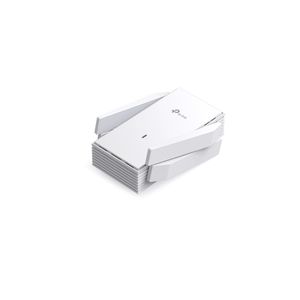
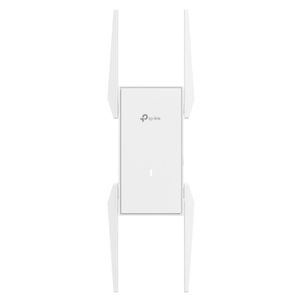
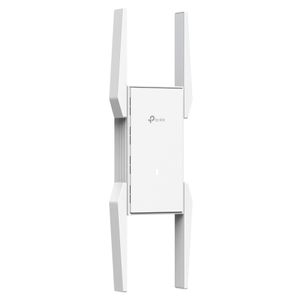
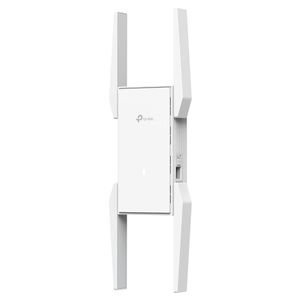
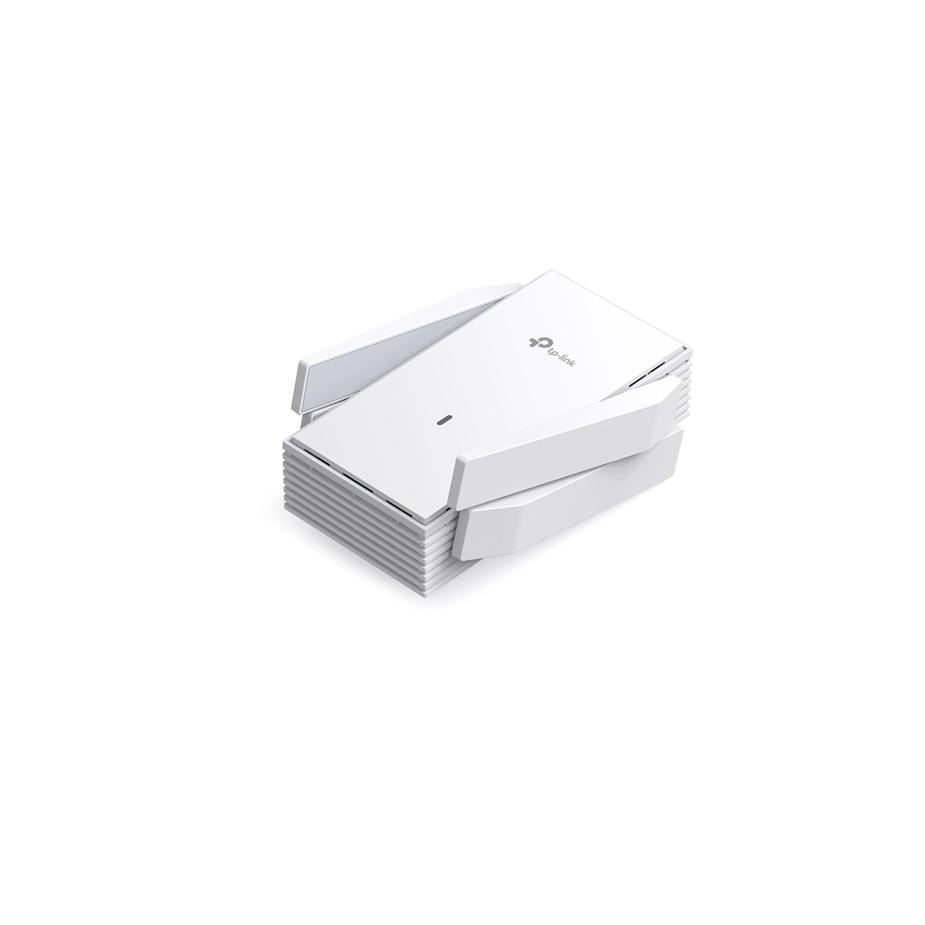
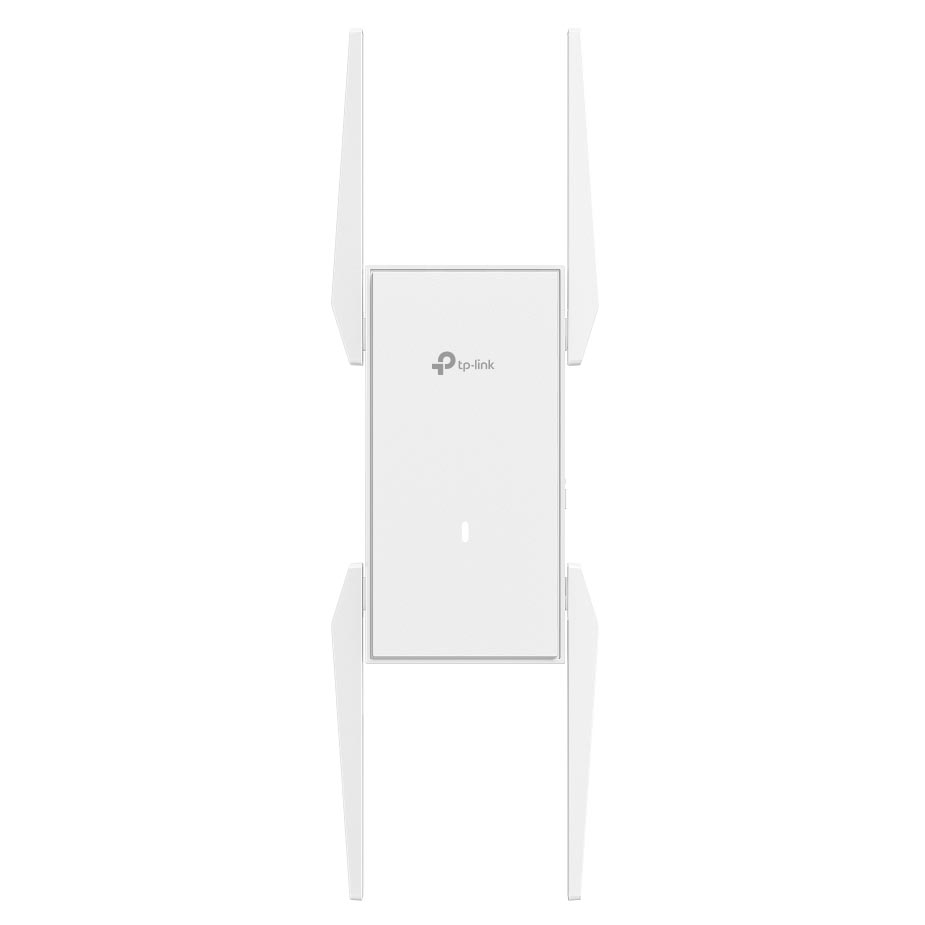
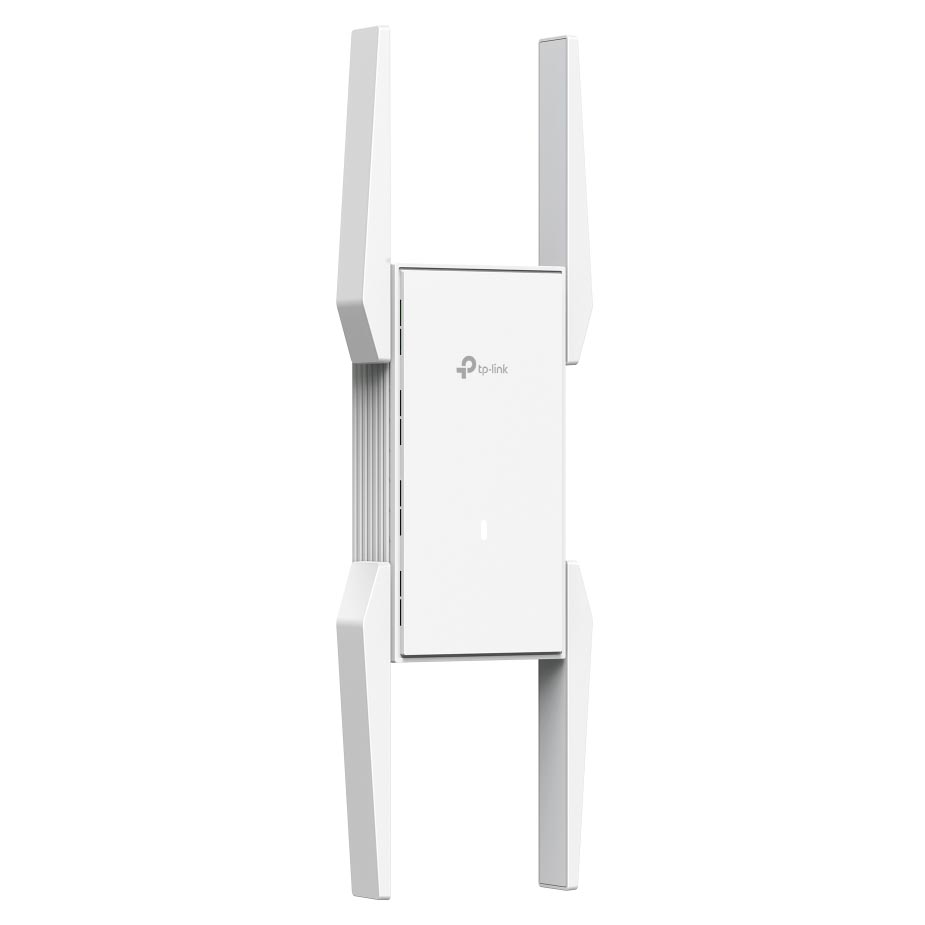
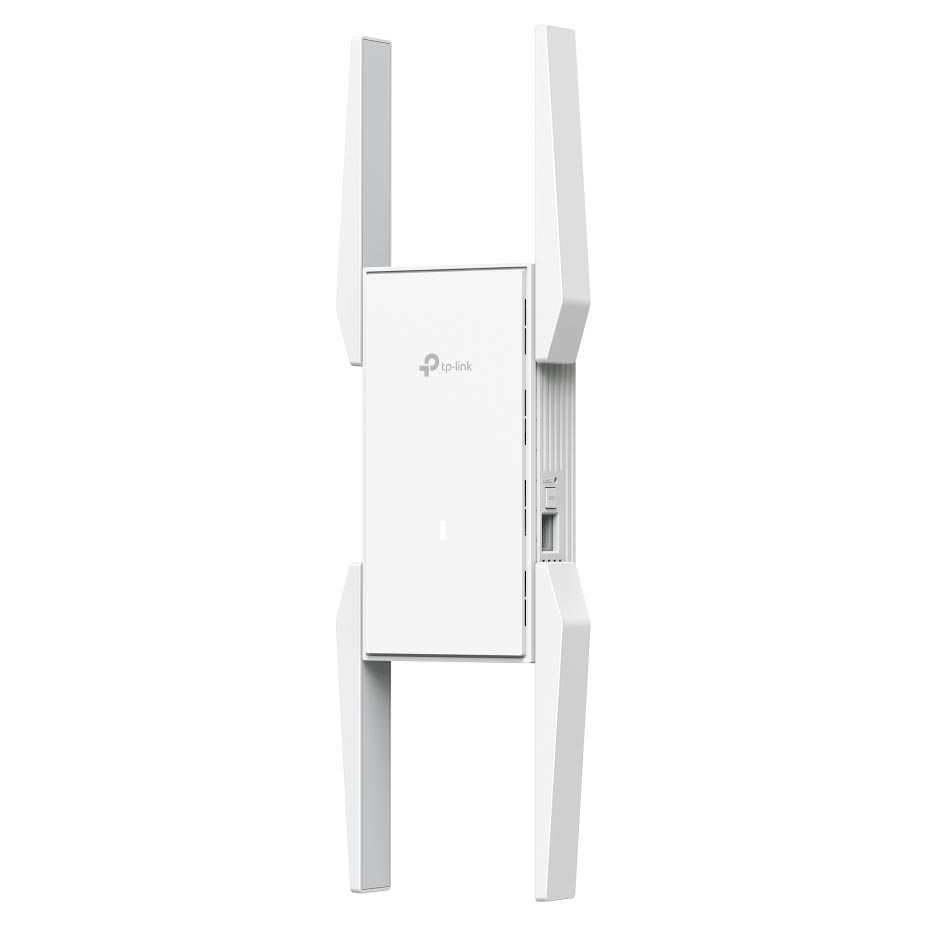
Features

EAP673 - AX5400 Mesh Wi-Fi 6 Extender
Expand Your Reach
- AX5400 Dual-Band WiFi 6: Up to 5.4 Gbps wireless speeds . (Maximum wireless signal rates are the physical rates derived from IEEE Standard 802.11 specifications. Actual wireless data throughput and wireless coverage are not guaranteed. They will vary as a result of 1) environmental factors, including building materials, physical objects, and obstacles, 2) network conditions, including local interference, volume and density of traffic, product location, network complexity, and network overhead; and 3) client limitations, including rated performance, location, connection, quality, and client condition.)
- WiFi Dead-Zone Killer: Four high-gain external antennas extend WiFi signals to every dead zone.
- AP Mode: Simply plug in an Ethernet cable to create a new WiFi AP.
- Seamless Mesh Networking: Supports Omada Mesh and Roaming for reliable networking, ideal for large-scale scenarios. (Omada Mesh, Seamless Roaming, and Captive Portal require an Omada SDN controller. )
- Easy & Quick Installation: Standard AC power supply for flexible deployment.
- Quick adoption: Convenient operation via Omada web or app once the extender powers on.
- Centralised Cloud Management: Integrates into Omada SDN for cloud access and remote management.
- WiFi Speeds Up to 5.4 Gbps (Maximum wireless signal rates are the physical rates derived from IEEE Standard 802.11 specifications. Actual wireless data throughput and wireless coverage are not guaranteed. They will vary as a result of 1) environmental factors, including building materials, physical objects, and obstacles, 2) network conditions, including local interference, volume and density of traffic, product location, network complexity, and network overhead; and 3) client limitations, including rated performance, location, connection, quality, and client condition.)
- High-Efficiency WiFi 6
- Standard AC Power Plug
Seamless Coverage to Remove Dead Zones
EAP673-Extender, featuring four high-gain antennas and mesh technology, eliminates dead zones, extending coverage by 1500 ft² (140 m²) . Enjoy seamless roaming for uninterrupted connectivity.

Effortless Installation with AC Power
Overcome cabling challenges with EAP673-Extender, delivering seamless Wi-Fi via AC power. Enjoy stable, high-performance coverage—no extra wires needed.
Power Up Your Business with New-Era WiFi 6
Lightning-Fast AX5400 WiFi 6 Speeds
- 5 GHz - 4804 Mbps
- 2.4 GHz - 574 Mbps
- 1024 QAM
- 160 MHz Channel
Connects Over 250 Devices
The actual capacity depends on the wireless environment and client traffic and is generally less than the maximum number of client connections.
- MU-MIMO
- OFDMA

AP Mode for Flexible Deployment
EAP673-Extender's built-in AP mode delivers a robust, stable Wi-Fi signal without a PoE switch or infrastructure renovations, enhancing flexibility and reducing costs.
Build Features

Front
*Coverage value is calculated based on laboratory testing. Actual coverage is not guaranteed and will vary as a result of client limitations and environmental factors.
**The actual capacity depends on the wireless environment and client traffic and is generally less than the maximum number of client connections.

Side
Specifications
General Data
| Model Number | EAP673-EXTENDER |
| Certification | CE, FCC, IC, RoHS, UL |
| Environment | Operating Temperature: 0–40 (32–104 ) Storage Temperature: -40–70 (-40–158 ) Operating Humidity: 10–90% RH non-condensing Storage Humidity: 5–90% RH non-condensing |
| Package Contents | AX5400 Mesh WiFi 6 Extender EAP673-Extender Installation Guide |
Hardware
| Interface | 1 x Gigabit Ethernet Port |
| Physical Security Lock | No |
| Button | Reset, LED |
| Power Supply | 100-240 V ~ 50/60 Hz |
| Power Consumption | 18 W |
| Dimensions | 6.3 x 3.1 x 1.5 in (160 x 80 x 37.8 mm) |
| Antenna | 4 x External Antennas 2.4 GHz: 2 x 3 dBi 5 GHz: 4 x 5 dBi |
| Mounting | Plug in |
Wireless
| Coverage | 140 m^2 (1500 ft²) (Coverage value is calculated based on laboratory testing. Actual coverage is not guaranteed and will vary as a result of client limitations and environmental factors.) |
| Concurrent Clients | 250+ (The actual capacity depends on the wireless environment and client traffic and is generally less than the maximum number of client connections.) |
| Wireless Standards | IEEE 802.11ax/ac/n/g/b/a |
| Frequency | 2.4 GHz and 5 GHz |
| Signal Rate | 5 GHz: Up to 4804 Mbps 2.4 GHz: Up to 574 Mbps |
| Wireless Functions | 16 SSIDs (Up to 8 SSIDs on each band) Enable/Disable Wireless Radio Automatic Channel Assignment Transmit Power Control (Adjust Transmit Power on dBm) QoS(WMM) Seamless Roaming (Omada Mesh, Seamless Roaming, and Captive Portal require an Omada SDN controller. ) Beamforming Rate Limit Load Balance Airtime Fairness Band Steering Reboot Schedule Wireless Schedule RADIUS Accounting MAC Authentication Wireless Statistics Static IP/Dynamic IP |
| Wireless Security | Captive Portal Authentication (Omada Mesh, Seamless Roaming, and Captive Portal require an Omada SDN controller. ) Access Control Wireless Mac Address Filtering Wireless Isolation Between Clients VLAN Rogue AP Detection 802.1X Support WPA-Personal/Enterprise, WPA2-Personal/Enterprise, WPA3-Personal/Enterprise |
| Transmission Power | CE: <20 dBm (2.4 GHz, EIRP) <23 dBm (5 GHz, band1 & band2, EIRP) <30 dBm (5 GHz, band3, EIRP) FCC: <25 dBm (2.4 GHz) <28 dBm (5 GHz) |
Management
| Omada App | Yes |
| Centralised Management | Omada Hardware Controller Omada Software Controller Omada Cloud-Based Controller |
| Cloud Access | Yes. Requiring the use of Omada Hardware Controller, Omada Cloud-Based Controller, or Omada Software Controller. |
| Email Alerts | Yes |
| LED On/Off Control | Yes |
| Management MAC Access Control | Yes |
| SNMP | v1, v2c, v3 |
| System Logging Local/Remote Syslog | Yes |
| SSH | Yes |
| Web-Based Management | Yes |
| Management VLAN | Yes |
| Zero-Touch Provisioning | Yes. Requiring the use of Omada Cloud-Based Controller. |
