






TP-Link OC400 Omada Hardware Controller
OC400 | TP-LinkThis product has been discontinued
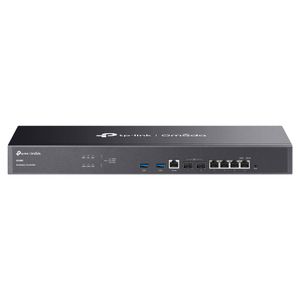
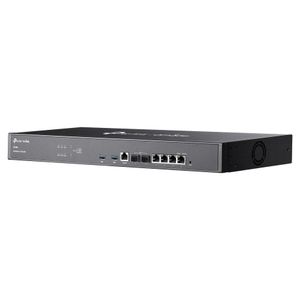
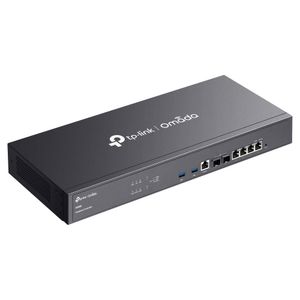
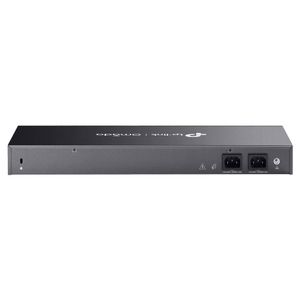
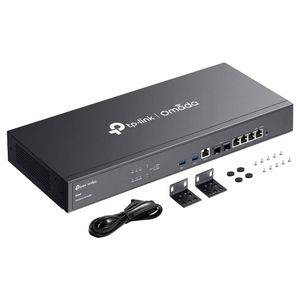
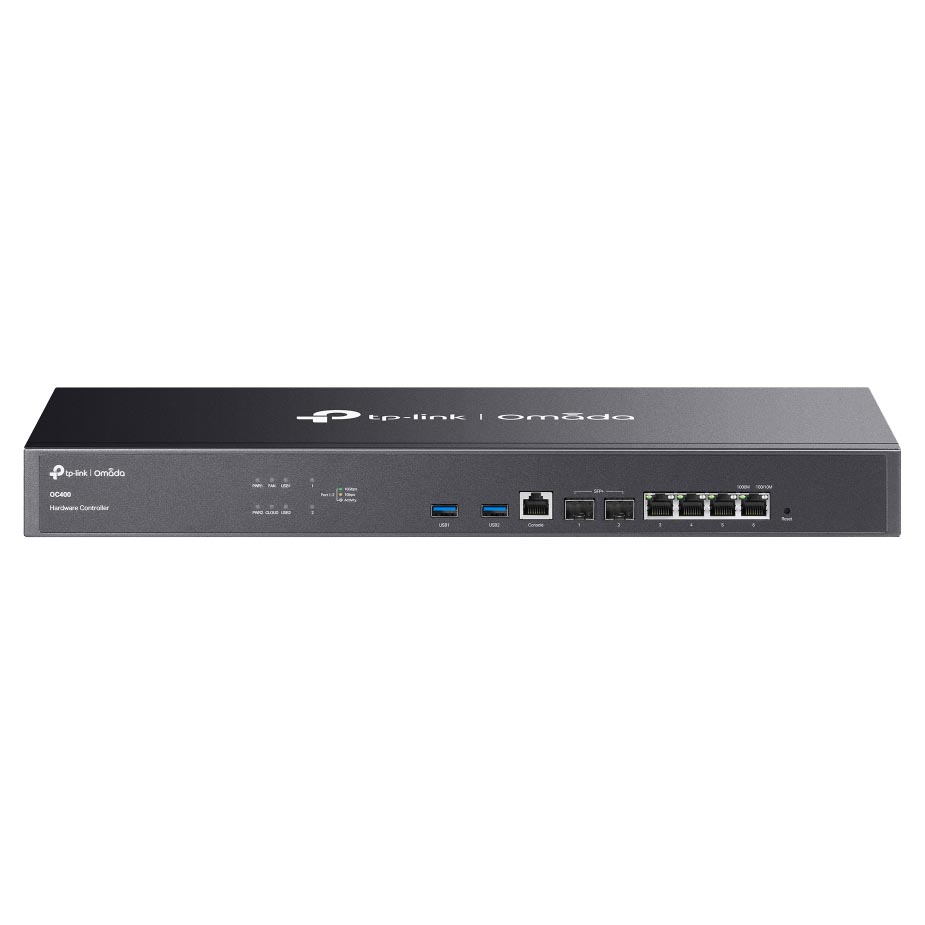
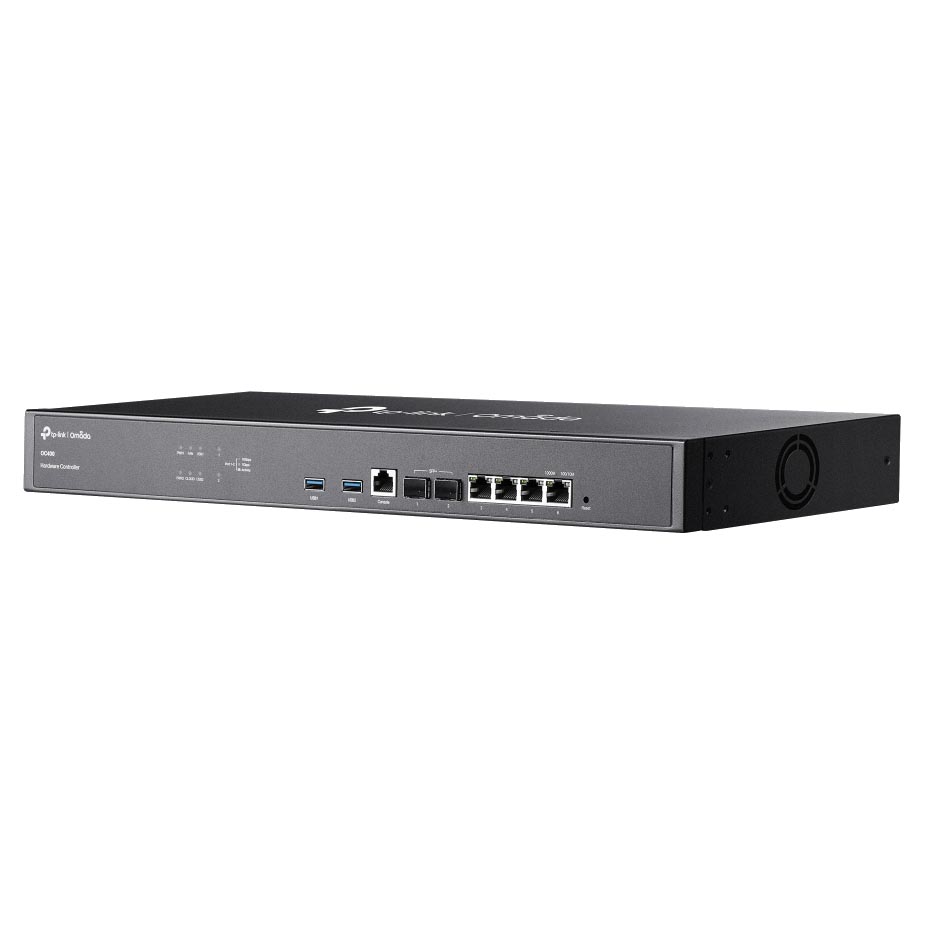
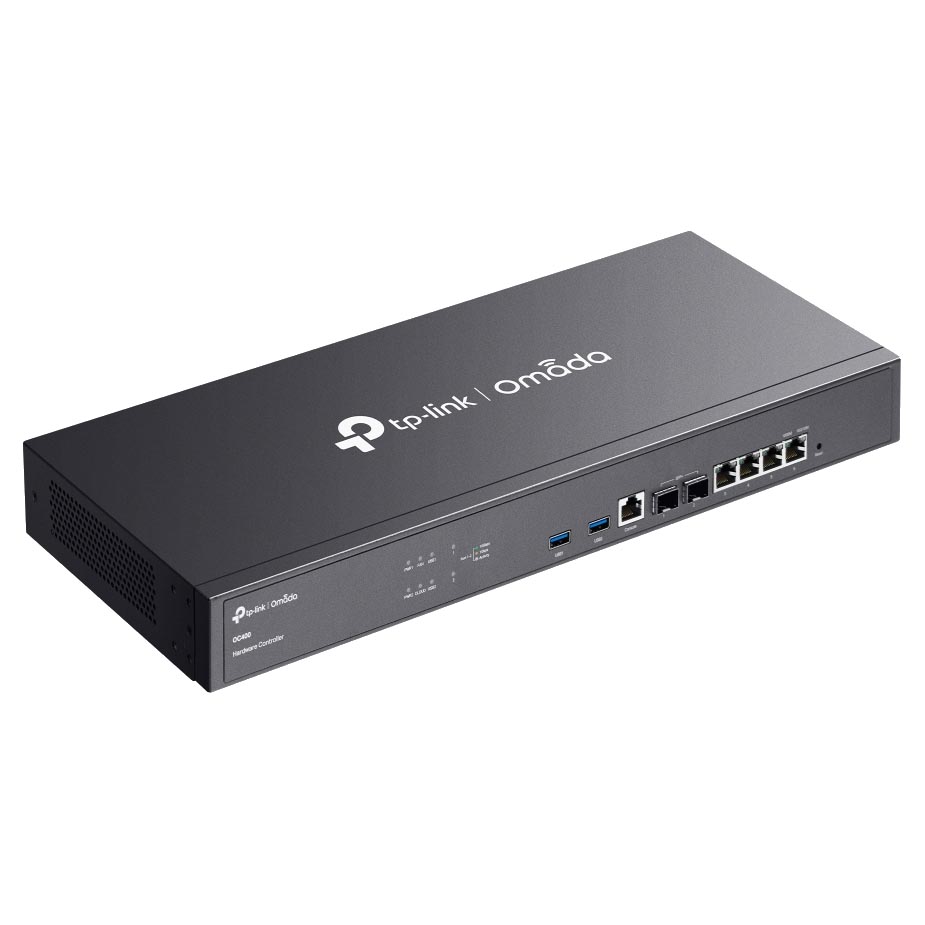
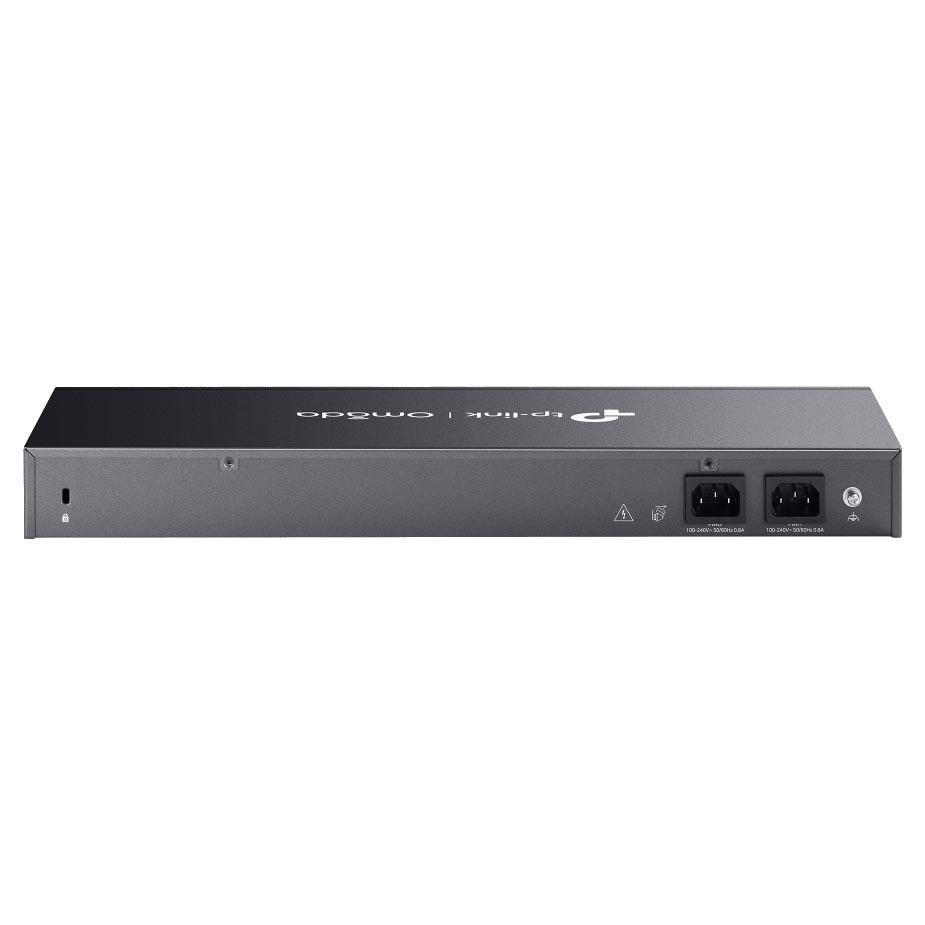
The TP-Link Omada Hardware Controller features easy on premises network management, featuring a quad-Core CPU, 4x gigabit RJ45 ports, 2x 10Gb SFP+ slots and 2x USB 3.0 ports as well as 2x power supply ports for reliable management on the Omada Cloud SDN platform for up to 1,000 Omada access points, 200 switches and 100 Omada routers, and real-time monitoring.
Features

Omada Hardware Controller
A Professional Omada SDN Hardware Controller
- Centralised Management: for up to 1,000 Omada access points, 200 Omada switches, and 100 Omada routers. (Actual management scale of the Omada Software Controller depends on the PC/server’s hardware specifications.)
- 2x 10GE SFP+ Slots, 4x GE RJ45 Ports, and 2x USB 3.0 Ports.
- Redundant power supplies offer a reliable networking architecture.
- Free cloud access with the Omada app or Web UI from anywhere, anytime.
- On-premises manages to locally monitor and manage devices.
- The easy-to-use dashboard and real-time network topology make network monitoring easy.
- Batch and multi-site management benefit network maintenance.

Centralised Management
The Omada hardware controller (OC400) for the Omada Software Defined Networking (SDN) platform, supports centralised management for up to 1,000 Omada access points, 200 Omada switches, and 100 Omada routers. (Actual management scale of the Omada Software Controller depends on the PC/server’s hardware specifications.) Enjoy cloud service with no license fees with the use of OC400.

Hybrid Cloud for Maximum Convenience
Attention: It is recommended to use up to two SM5310-T (TL-SM5310-T) modules for the OC400.
Build Features

Front View

Back View

Dimensions
Specifications
General Data
| Model Number | OC400 |
| Redundant Power Supply | 2 x Internal Fixed Power Supplies |
| Monitoring | Custom Dashboard Statistics (Performance / Switch Stats) Network topology Network Map Devices List Clients List Insights Logs |
| Certification | CE, FCC, RoHS |
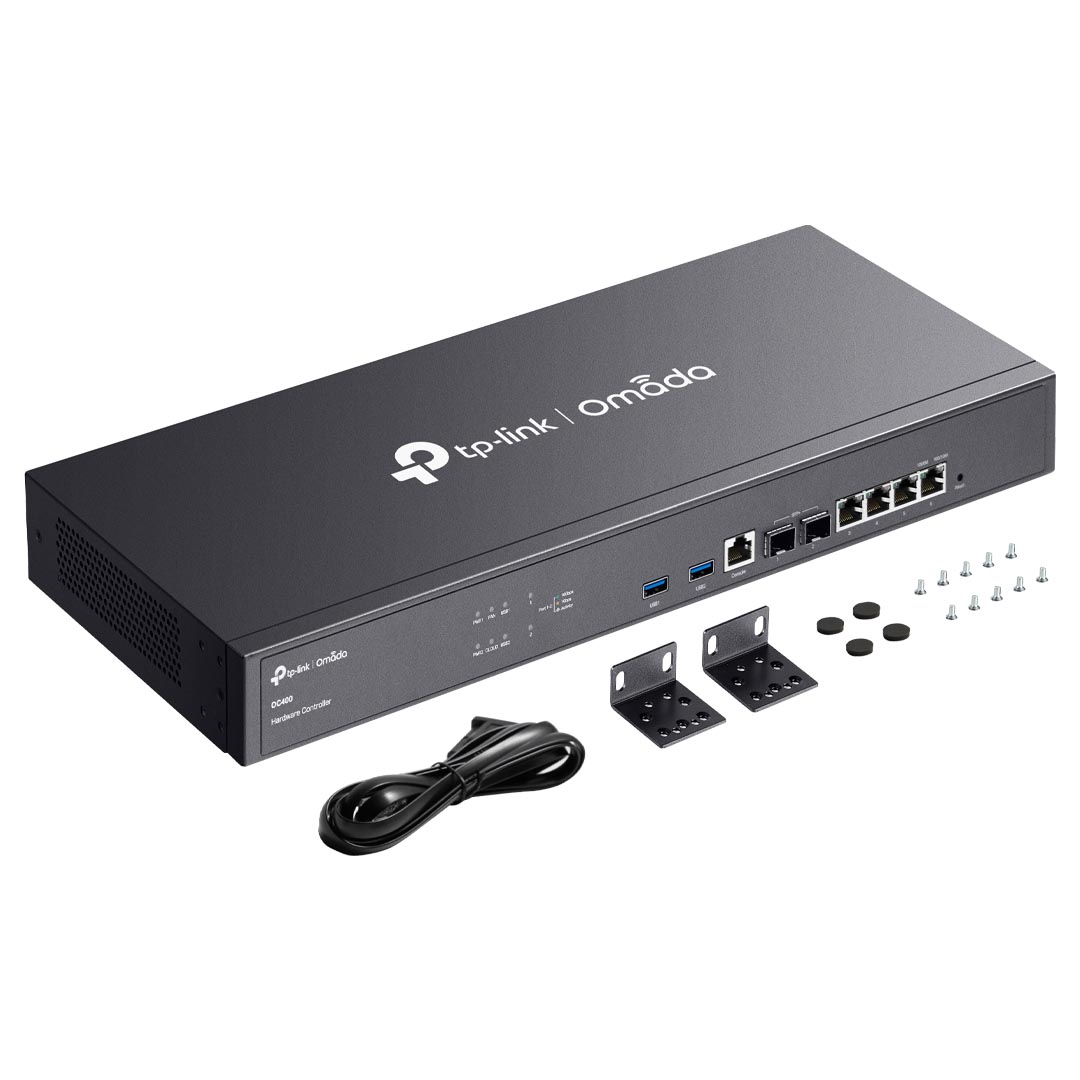
| What's Included | Omada Hardware Controller OC400 Quick Installation Guide Ethernet Cable Power Cord Rackmount Kit |
| System Requirements | Microsoft® Windows® 10, 8, 7,Vista™, XP or MAC® OS, NetWare®, UNIX® or Linux |
| Environment | Operating Temperature: 0 – 40 (32 – 104 ) Storage Temperature: -40 – 70 (-40 – 158 ) Operating Humidity: 10 – 90% RH non-condensing Storage Humidity: 5 – 90% RH non-condensing |
Hardware Features
| Processor | Quad-Core CPU |
| Memory | 4 MB Nor Flash; 32 GB eMMC; 8 GB DDR4 |
| Interface | 2 x 10G SFP+ Ports 4 x GE RJ45 Ports 2 x USB 3.0 Ports 1 x GE Console Port |
| Fan Quantity | 1 |
| Button | 1 x Reset |
| Power Supply | 100 - 240 V ~ 50 / 60 Hz AC |
| Dimensions ( W x D x H ) | 17.3 x 7.1 x 1.7 in (440 x 180 x 44 mm) |
Management Features
| Omada App | Yes |
| Centralised Management | Up to 1,000 Omada access points, 200 Omada switches, and 100 Omada routers Up to 30,000 clients *Refer to www.tp-link.com/en/business-networking/all-omada/ to find all the models supported by OC400 |
| Cloud Access | Yes |
| Multi-Site Management | Yes |
| Management Features | Multi-tenant Management (Role / Site / Device Privileges) Migration (Site Migration/Controller Migration) Account Management Backup & Restore Auto Backup Customised UI Interface Automatic Device Discovery Batch Configuration Online upgrade Reboot Schedule PoE Schedule WLAN Schedule Batch Firmware Upgrading DDNS SNMP SSH |
Backed by a 3 year TP-Link warranty.
