






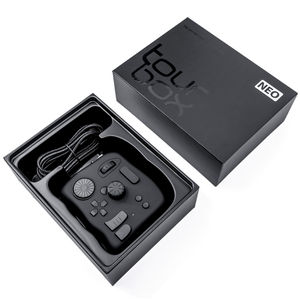
TourBox Neo Wired Creative Controller Black
TOURBOX-NEO | Tour BoxThis product has been discontinued


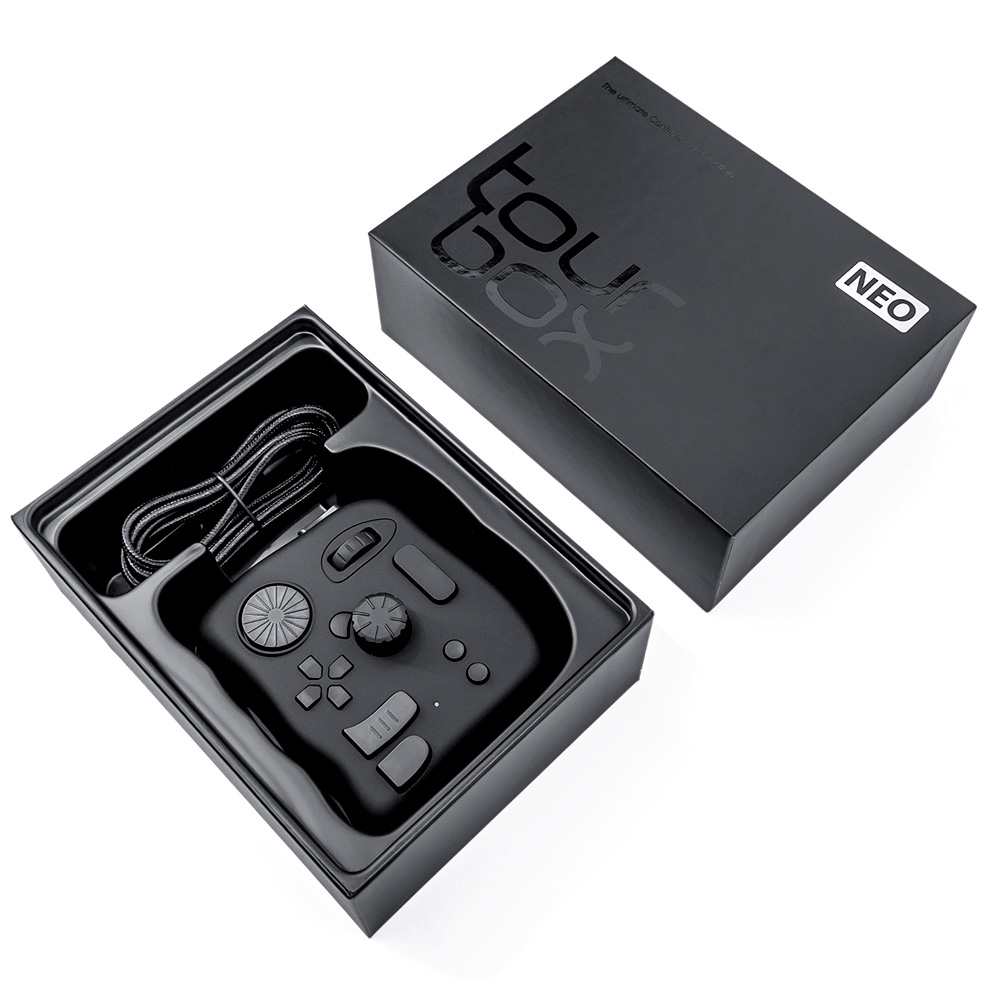
Features
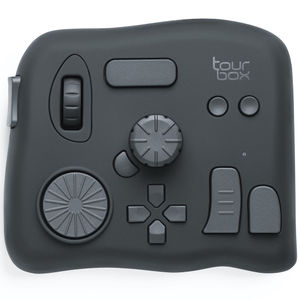
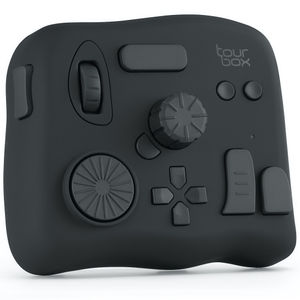
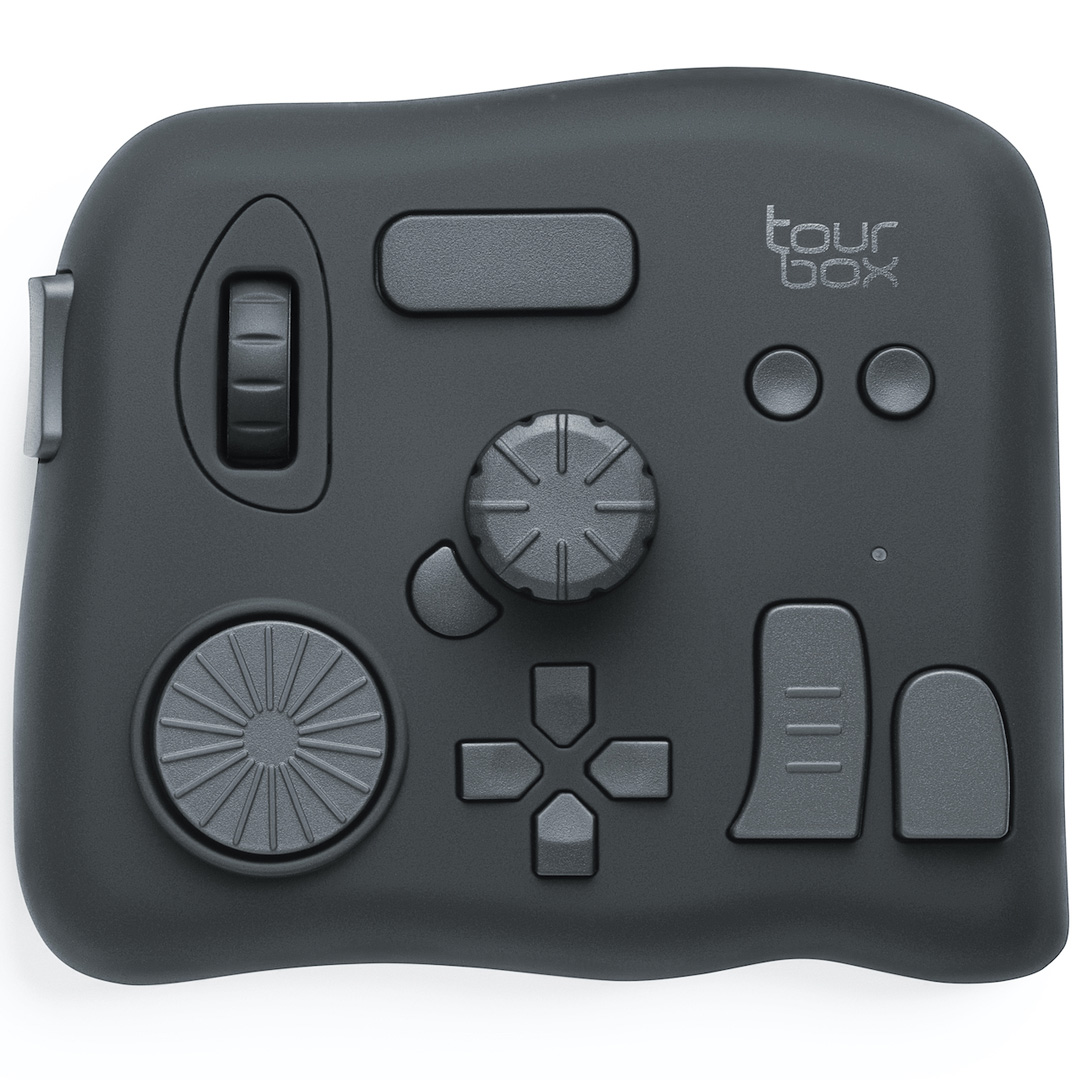
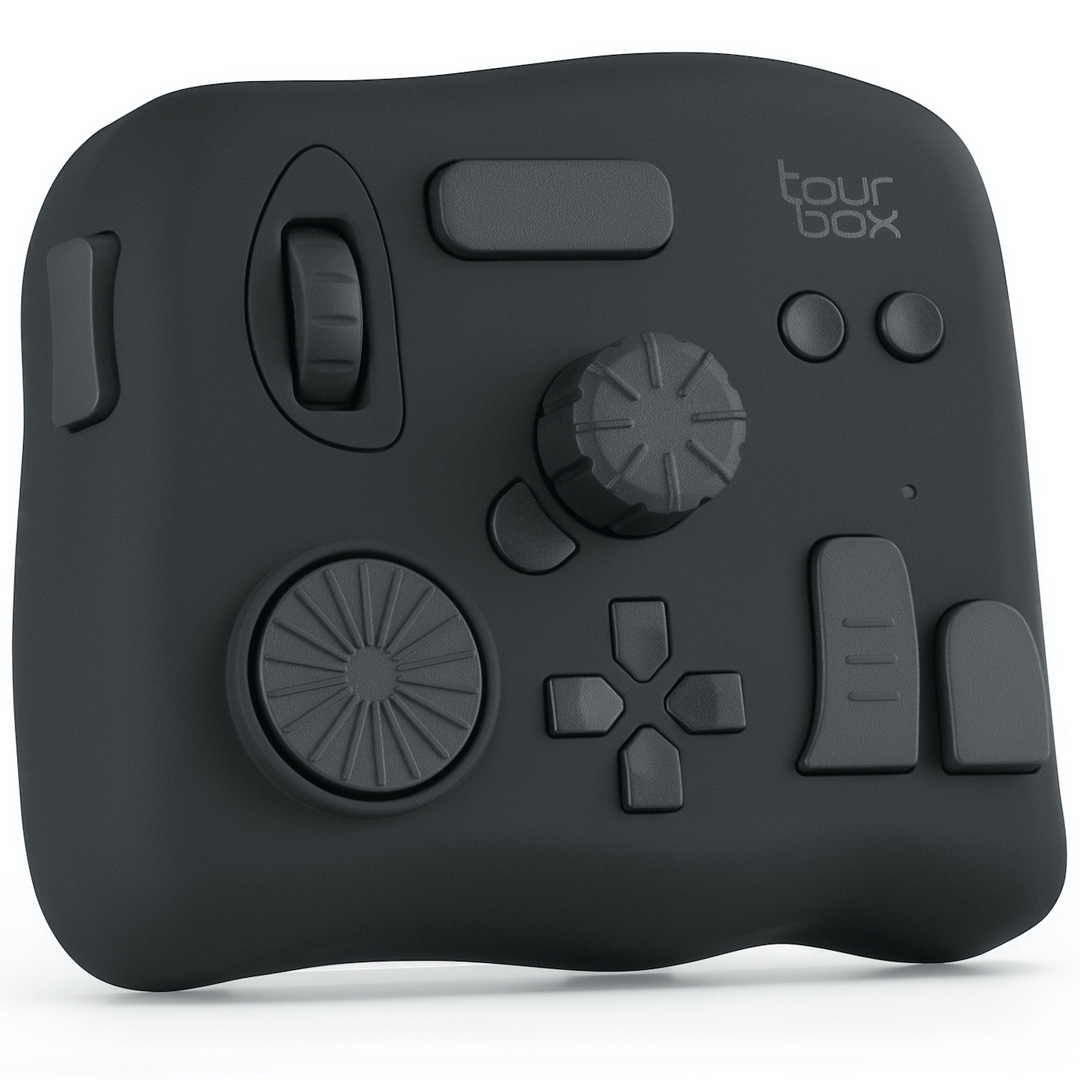
TourBox Neo
New generation of a deeply-customizable creative software controller.
Compatible with literally all programs
Photoshop, Lightroom, Illustrator, Final Cut Pro X, Premiere Pro, DaVinci Resolve, Capture One, Clip Studio Paint, Paint Tool SAI, you name it!
Immerse yourself into the creation and increase the productivity by 40%!
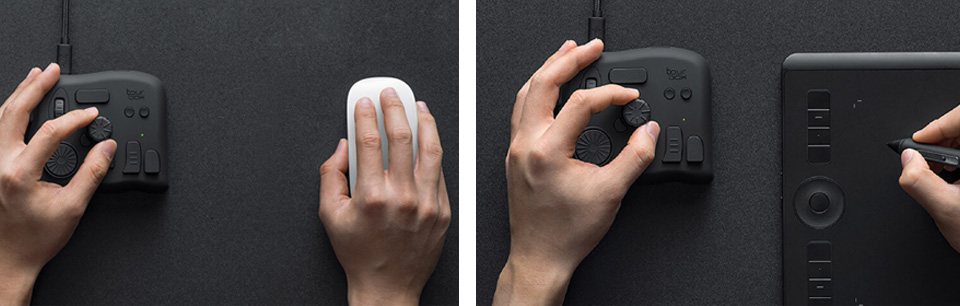
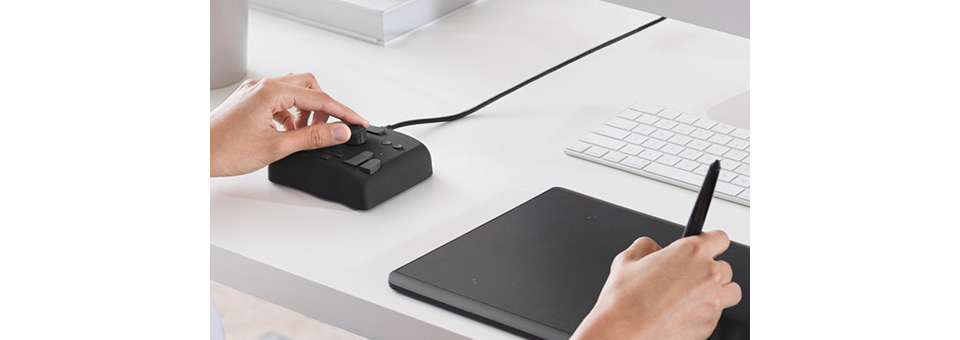
Use with a mouse or graphics tablet
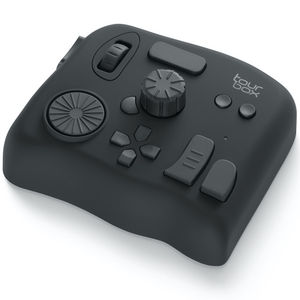
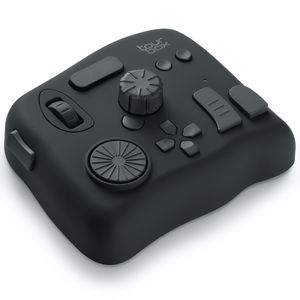
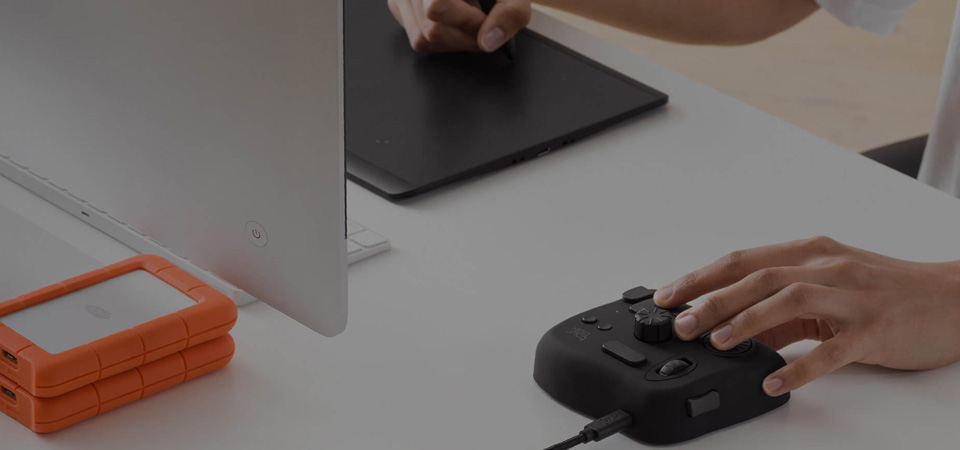
Lightweight and durable, ergonomic design enables you to control with just one hand which sparing you the trouble of using complicated shortcut keys.
Maximise your creativity
- Fully customisable
- Precise operation
- Widely applicable
- Built-in functions
- One-handed tactile operation
- Extremely easy to use
Your secret weapon in all programs
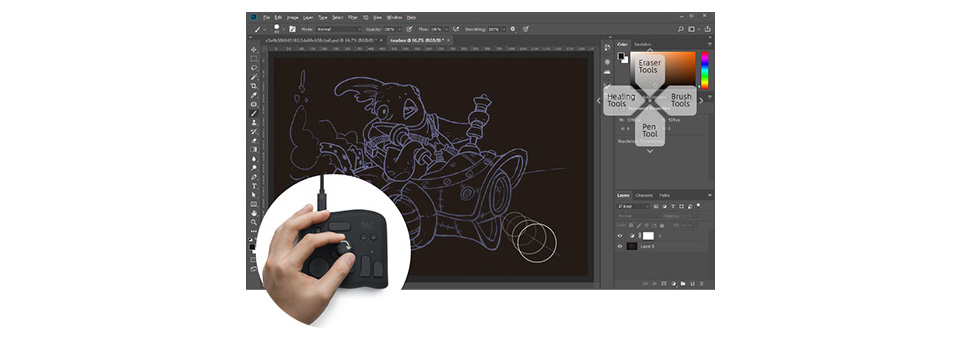
Illustration & design
You can easily control the size, flow, transparency and hardness of the brush during drawing with a versatile knob, zoom in and out with a roll, or drag images by pressing a button.
All these controls can be achieved singlehanded and no need to move your hand at all. Seamlessly with a mouse and a digital panel.
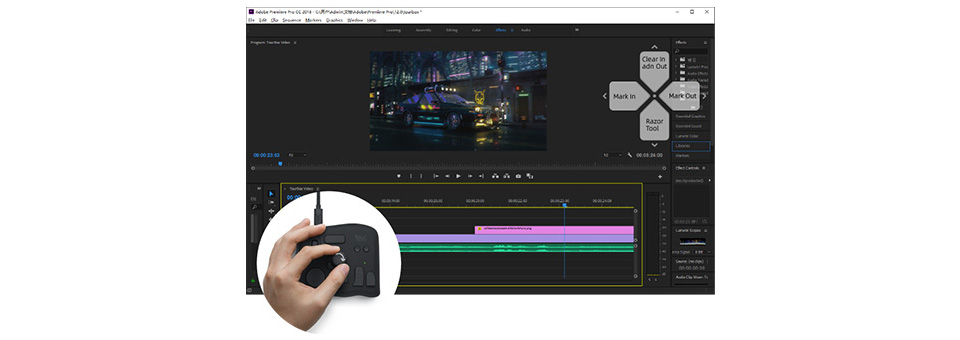
Video editing
In Premiere Pro,Final Cut Pro X and DaVinci Resolve, no more inconvenience is brought by complicated keyboard shortcuts. Editing and toning become simple and efficient. The dial, knob, and scroll, along with buttons of different shapes, make the whole workflow of video editing and color grading more intuitive and efficient.
Whether it’s timeline fast-moving, frame by frame stepping, or timeline zooming in/out, you can do whatever you want with TourBox NEO.
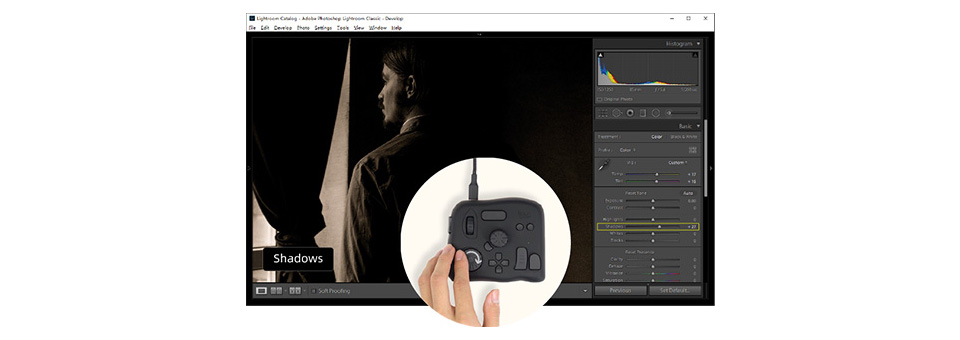
Photo editing
In Adobe Lightroom, you can easily adjust the exposure, contrast, shadows, highlights, and other parameters with just a simple turn of a knob.
Your eyes only need to focus on the changes in the image, and there’s no need to look at the parameter bar, which helps you focus on your creation entirely. You can even lie in bed to accomplish your work.
Customise your creativity in the way you want with the powerful TourBox Console application
In-depth design for various Application Scenarios Whether it is brush control, image control, parameter adjust, or tool switching, you can use TourBox NEO in creative software in an incredibly intuitive, faster, more efficient, and seamless way.
Efficient and accurate brush control
A versatile knob enables you to easily control the size, flow, transparency, and hardness of t he brush without interrupting your workflow.
Powerful and versatile parameter control
Whether it's slider control, numeric control, frame-by-frame stepping, or a quick search, the dial on the TourBox NEO gives you the precise control over all parameters, so say goodbye to mouse dragging!
Smooth and seamless navigation operations
With the scroll, knob, and dial, TourBox NEO can be used in software in a more intuitive, efficient, and accurate way to fulfill a series of navigation operations, like image zooming in/out, canvas rotating, timeline zooming in/out, and others.
Quick and easy tool switch
The Dpad buttons allow for accurate and fast switching between multiple sets of tools, and their corresponding functions can be checked in real time via the HUD.
Powerful customisable system
You can map your desired shortcuts of keyboards or mouse to TourBox NEO regarding the requirements of the different creative software.
The wheels (scroll, dial, and knob) and buttons can be used either individually or in multiple combinations to achieve 50 different operations.

Equipped with unique built-in functions
TourBox NEO has developed massive and unique built-in functions targeting various software.
These built-in functions can be configured on TourBox NEO, providing functions that the keyboard and mouse cannot achieve.
Anyone can use the device easily in no time
TourBox NEO designed a series of thoughtful easy-to-use features, whether you are a beginner or an expert, you can quickly and easily master it.
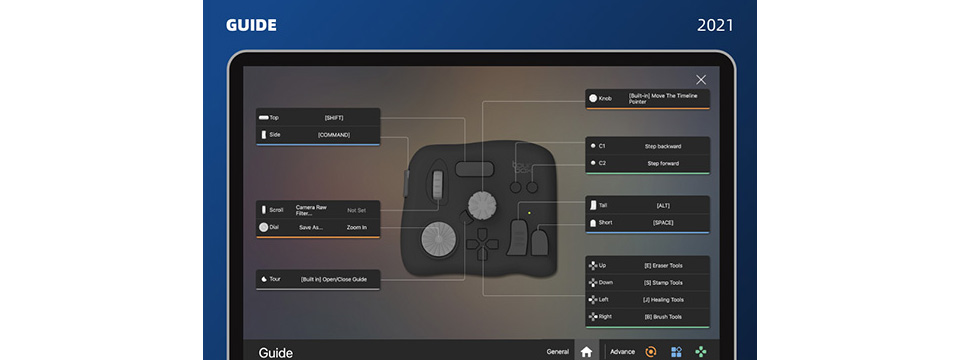
Prompt system
An interactive HUD on screen and the visual navigation map free you from the need to remember complicated functions! The unique shaped buttons on TourBox also enable you to access these functions with a simple touch.
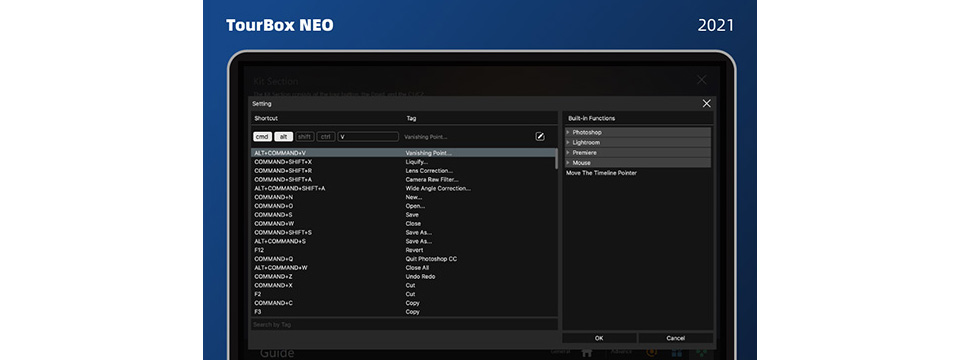
Tag system
Editing software should come with easy-to-read label shortcuts that illustrate its functions. Now say goodbye to hard-to-remember shortcuts and enjoy TourBox's powerful, intuitive tag system instead.
Streamlined & ergonomic design
Reduces the fatigue of high-intensity creative work.
Fine manufacturing
Tightly selected manufacturing process and ergonomic design let it fit perfectly in the palm of your hand. With 200,000 times of durability tests, it is not an electronic toy, but a real tool for creators.
Solid and reliable
The right weight makes it stable and not move with ease, allowing you to operate confidently.
Skin-friendly
Made out of skin-friendly materials and comfortable to hold.
Specifications
| Dimension | 116 X 101 X 44mm |
| Weight | 370g |
| Material | ABS+PC |
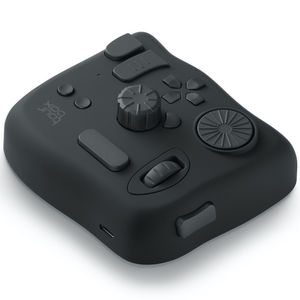
| USB Cable | USB 2.0 |
| Operating Voltage | 5V |
| Operating Systems | MacOS 10.10 or higher Windows 7 or higher |
