






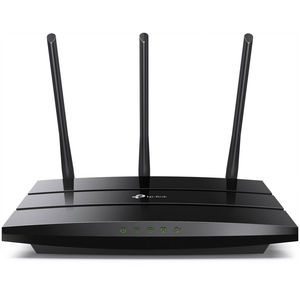
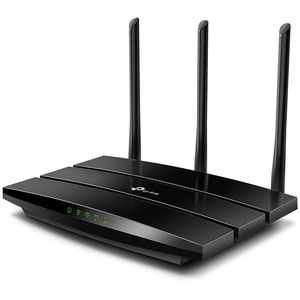
TP-Link Archer A8 AC1900 Wireless MU-MIMO Wi-Fi Router
ARCHER-A8 | TP-LinkThis product has been discontinued


Features
Maximum Wi-Fi performance with three streams
With 3×3 MIMO, Archer A8 is capable of transmitting and receiving data on three streams. 3×3 capable computers— like Macs—pair perfectly with A8 to perform at max with much higher efficiency than 2×2 MIMO routers.

Incredible 802.11ac Wave2 home Wi-Fi
Archer A8 delivers high-performance and affordable home Wi-Fi with total speeds up to 1900 Mbps. Handle simple tasks like sending e-mails or web browsing on the 2.4 GHz band and bandwidth-intensive tasks like online gaming or 4K/8K UHD streaming on the 5 GHz band—all lag-free.

Broader coverage throughout your home
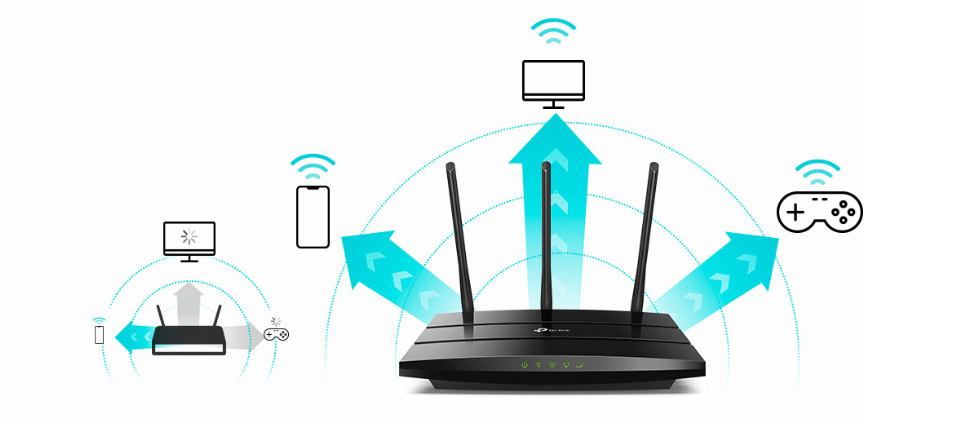
Access your entertainment from every corner of your home with 3 external high-performance antennas. Beamforming technology detects devices and concentrates wireless signal strength towards them, even if they are far away or low-powered.
Connect more devices simultaneously
Archer A8 helps your devices achieve optimal performance by making communication more efficient with MU-MIMO technology. Multiple devices are able to send and receive data on the best available band. Enjoy non-stop entertainment on all your devices—lag free.
Increased efficiency in Wi-Fi distribution
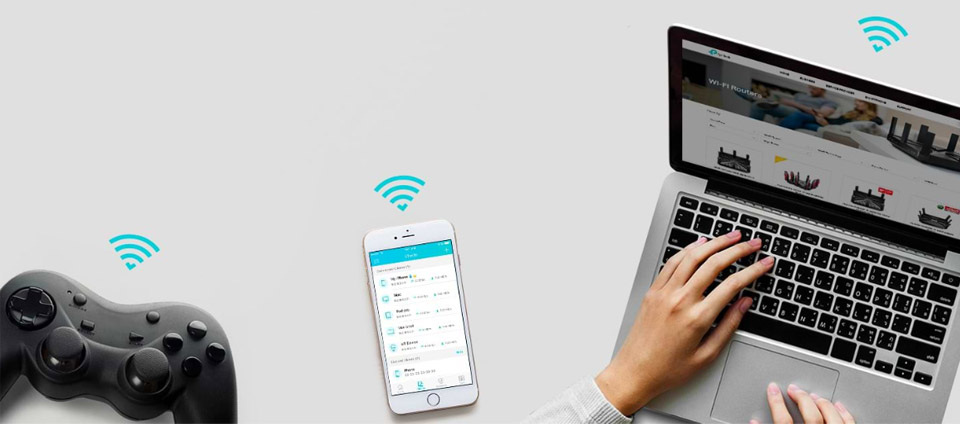
Smart Connect helps your router automatically switch each device's connection to the best available Wi-Fi band while Airtime Fairness prevents older devices from slowing down your network. With both, everyone can enjoy a smoother, lag-free Wi-Fi experience.
Full gigabit ports
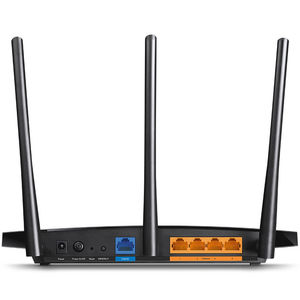
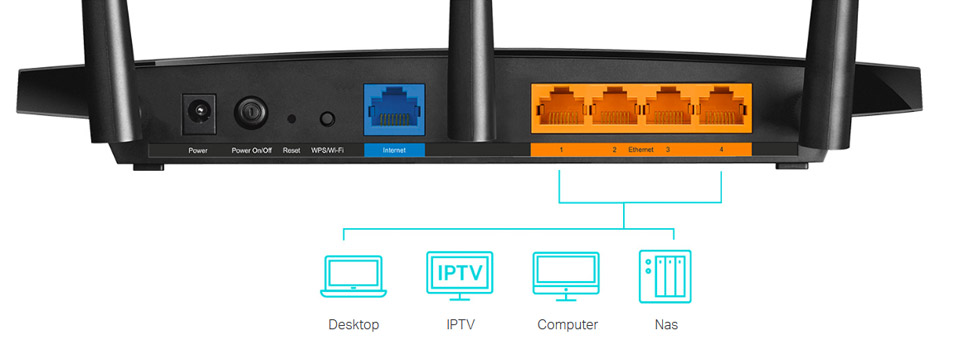
Gigabit Ethernet ports (1 WAN+ 4 LAN) deliver maximum wired speeds. Plug in your PCs, smart TVs, and game consoles for fast and reliable connections.

Personalise your home network
Archer A8 provides a wealth of advanced tools for personalized management.
Parental controls
Block inappropriate content and set daily limits for how much time your children spend online with Parental Controls.
Guest network
Guest Network creates a separate Wi-Fi for guests, ensuring your privacy is secure.
Easy setup at your fingertips
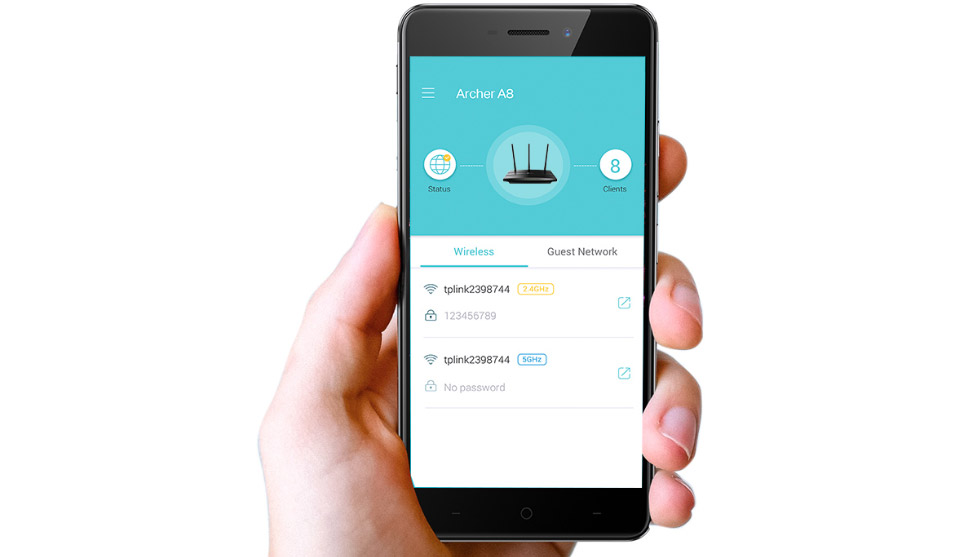
Set up Archer A8 in minutes via its intuitive web interface or the powerful Tether app. Tether also lets you manage its network settings from any Android or iOS device.
Specifications
Wireless
| Standards | Wi-Fi 5 IEEE 802.11ac/n/a 5 GHz IEEE 802.11n/b/g 2.4 GHz |
| WiFi Speeds | AC1900 5 GHz: 1300 Mbps (802.11ac) 2.4 GHz: 600 Mbps (802.11n) |
| WiFi Range | 3 Bedroom Houses 3× Fixed High-Performance Antennas Multiple antennas form a signal-boosting array to cover more directions and large areas Beamforming Concentrates wireless signal strength towards clients to expand WiFi range |
| WiFi Capacity | Medium Dual-Band Allocate devices to different bands for optimal performance 3×3 MU-MIMO Simultaneously communicates with multiple MU-MIMO clients Airtime Fairness Improves network efficiency by limiting excessive occupation |
| Working Modes | Router Mode Access Point Mode |
Hardware
| Processor | 1.2 GHz Single-Core CPU |
| Ethernet Ports | 1× Gigabit WAN Port 4× Gigabit LAN Ports |
| Buttons | WPS/Wi-Fi Button |
| Power | On/Off Button |
| Reset | Button |
| Power | US Version: 12 V ⎓ 1.5 A EU Version: 12 V ⎓ 1 A |
Security
| WiFi Encryption | WEP WPA WPA2 WPA/WPA2-Enterprise (802.1x) |
| Network Security | SPI Firewall Access Control IP & MAC Binding Application Layer Gateway |
| Guest Network | 1× 5 GHz Guest Network 1× 2.4 GHz Guest Network |
Software
| Protocols | IPv4 IPv6 |
| Parental Controls | URL Filtering Time Controls |
| WAN Types | Dynamic IP Static IP PPPoE PPTP L2TP |
| Quality of Service | QoS by Device |
| Cloud Service | OTA Firmware Upgrade TP-Link ID DDNS |
| NAT Forwarding | Port Forwarding Port Triggering DMZ UPnP |
| IPTV | IGMP Proxy IGMP Snooping Bridge Tag VLAN |
| DHCP | Address Reservation DHCP Client List Server |
| DDNS | TP-Link NO-IP DynDNS |
| Management | Tether App Webpage |
Physical
| Dimensions (W×D×H) | 9.6 × 6.4 × 1.3 in (243 × 160.6 × 32.5 mm) |
| Package Contents | Wi-Fi Router Archer A8 Power Adapter RJ45 Ethernet Cable Quick Installation Guide |
Other
| System Requirements | Internet Explorer 11+, Firefox 12.0+, Chrome 20.0+, Safari 4.0+, or other JavaScript-enabled browser Cable or DSL Modem (if needed) Subscription with an internet service provider (for internet access) |
| Certifications | FCC, CE, RoHS |
| Environment | Operating Temperature: 0℃~40℃ (32℉ ~104℉) Storage Temperature: -40℃~70℃ (-40℉ ~158℉) Operating Humidity: 10%~90% non-condensing Storage Humidity: 5%~90% non-condensing |
Test Data
| WiFi Transmission Power | CE: <20dBm(2.4 GHz) <23dBm(5.15 GHz~5.25 GHz) FCC: <30dBm(2.4 GHz & 5 GHz) |
| WiFi Reception Sensitivity | 5 GHz: 11a 6Mbps:-98dBm, 11a 54Mbps:-78dBm 11ac VHT20_MCS0:-98dBm, 11ac VHT20_MCS8:-72dBm 11ac VHT40_MCS0:-92dBm, 11ac VHT40_MCS9:-68dBm 11ac VHT80_MCS0:-89dBm, 11ac VHT80_MCS9:-64dBm 2.4 GHz: 11g 6Mbps:-97dBm, 11a 54Mbps:-77dBm 11n VHT20_MCS0:-97dBm, 11n VHT20_MCS8:-72dBm 11n VHT40_MCS0:-92dBm, 11n VHT40_MCS9:-67dBm |
